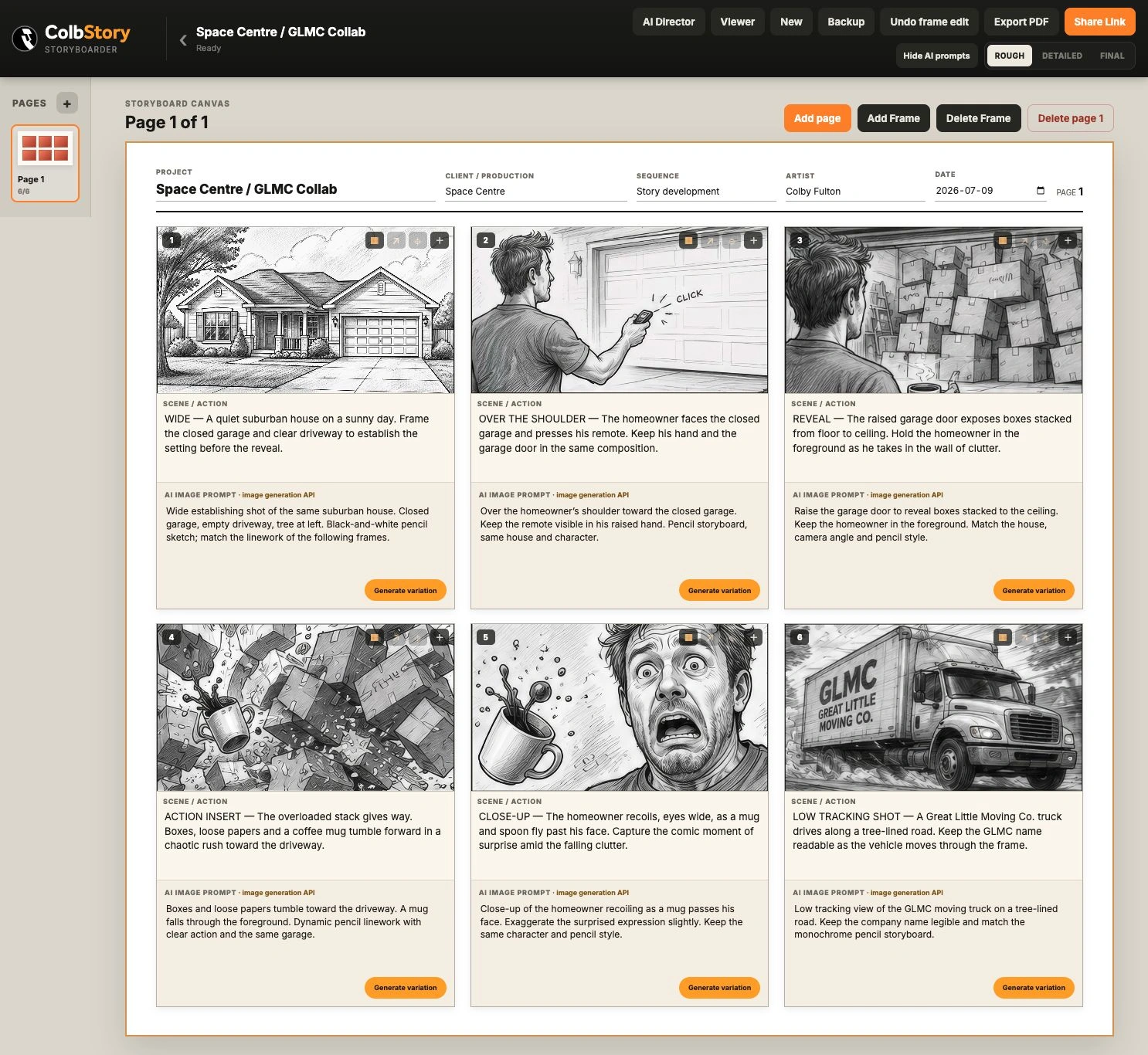
01 · THE SETUP 00:00–00:05
Morning ambience. Birds, a quiet street, the click of a garage remote.
Wide on a suburban home. Hold the quiet opening, then move over the homeowner’s shoulder as he presses the remote.
 Colby FultonCreative
AI production toolkit
Tools I build to help creative teams plan the story, find the footage and polish the edit.
Explore the toolkitIn development. These working tools are experimental and still evolving. Interface previews illustrate their functionality; the software’s appearance and features may change as development continues.
ColbScript · Collaborative script development
Build the story in a shared script workspace, with audio and visual direction side by side. Team members can add comments to the relevant scene, keeping creative feedback close to the words and shots it belongs to.
ColbScriptThe script, with everyone on the same pageMorning ambience. Birds, a quiet street, the click of a garage remote.
Wide on a suburban home. Hold the quiet opening, then move over the homeowner’s shoulder as he presses the remote.
The garage door rises. A beat of silence.
Then everything starts to fall.
Reveal a wall of stored boxes. Cut closer as the stack tips forward. A mug flies past the homeowner’s surprised face.
The pace settles. Leave room here for the final voiceover and brand sign-off.
A GLMC truck travels along a tree-lined road. Match the movement into the closing brand frame.
Illustrated script and sample team comments · Try adding a note; demo comments stay on this page.
Write for the screen. Develop the words, visual direction and timing together, ready to carry into the storyboard.
Bring the team into the draft. Collect notes from creative, production and post in context, so revisions answer the right questions.
Keep track of the story. Versioned drafts preserve the decisions behind a script as it moves toward production.
ColbStory · Browser-based production planning
Bring scripts, visual references and beautifully drawn storyboard frames into one workspace. Explore an idea, refine the sequence and give the production team a shared picture of what comes next.
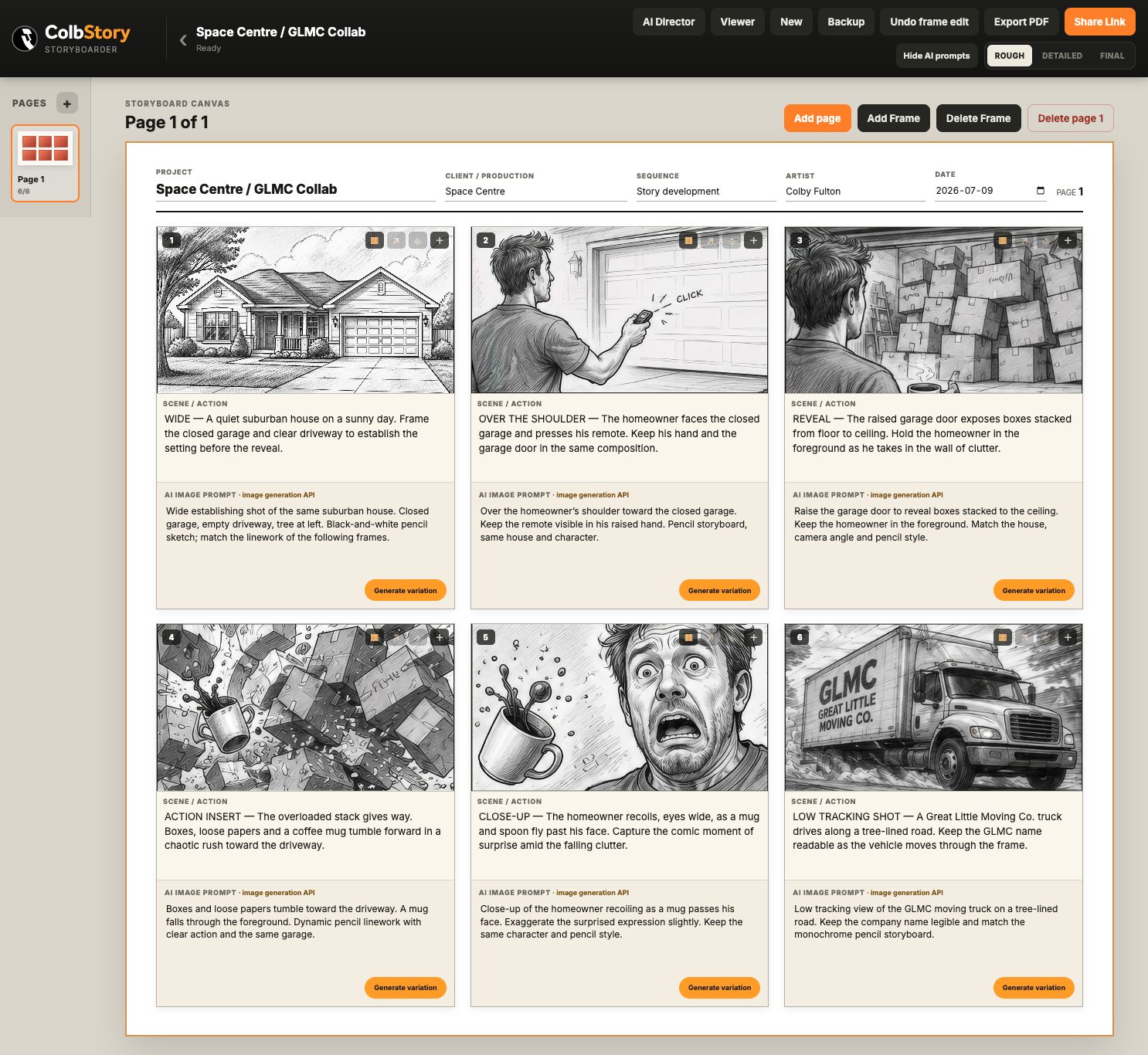
Tweak the image prompt beside each shot and generate a new image variation. Keep the visual direction close to the frame.
Organise scenes, explore camera ideas and work through shot requirements before the crew arrives. Shared visual direction makes the handoff clearer.
Browser-based workspaces connect to real projects and remotely stored assets, so collaborators can work from a shared production library.
ColbSelect · Footage intelligence
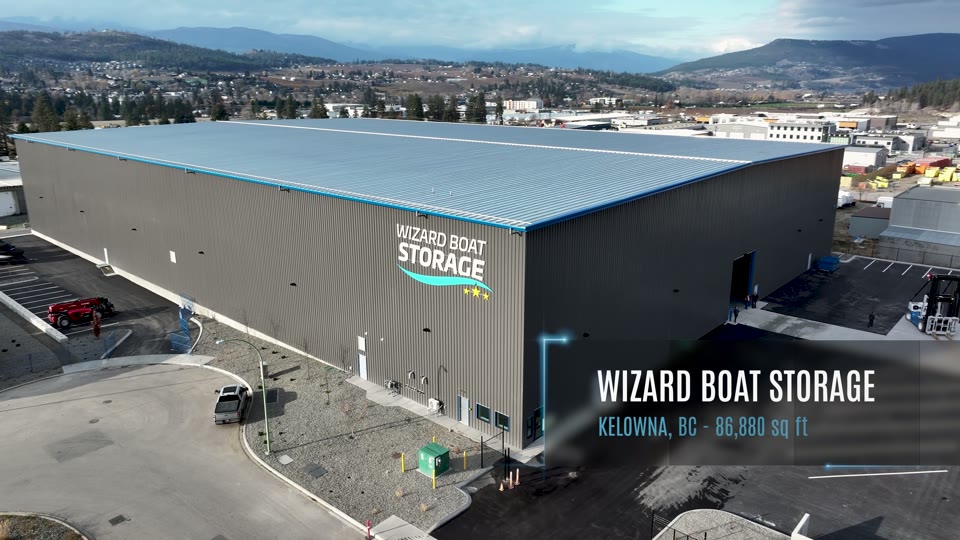
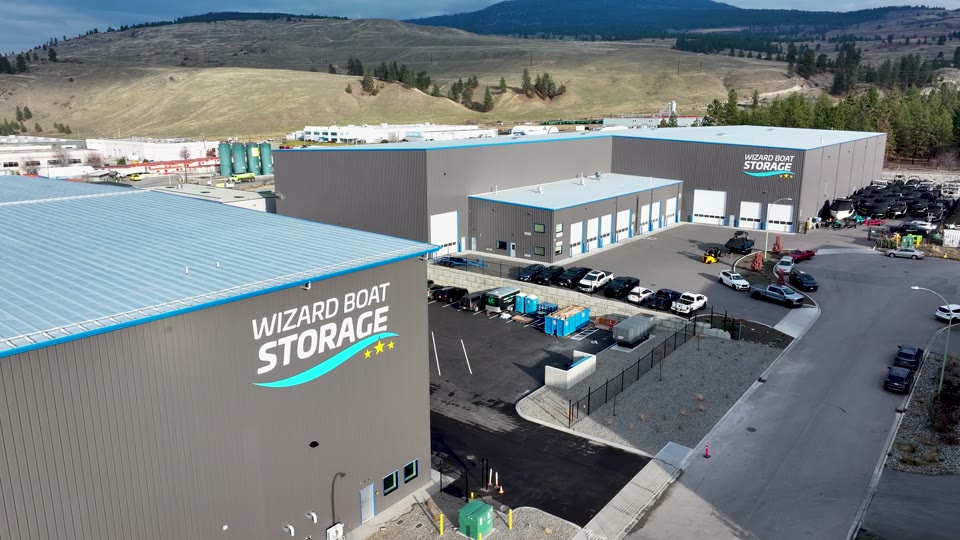
Hours of b-roll are only useful if you can find the right moment. My footage-cataloguing work turns visual content into searchable descriptions, helping connect what a speaker is saying with footage that supports it.
ColbSelectA shoot becomes a searchable library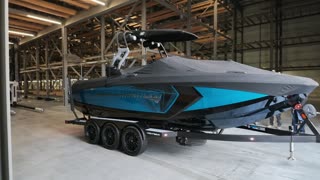
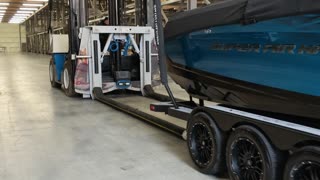
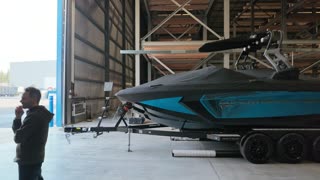
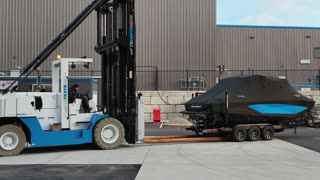
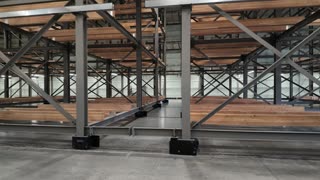
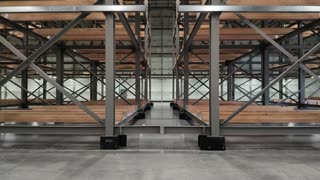
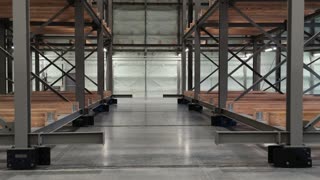
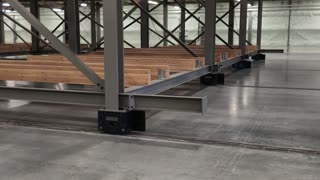
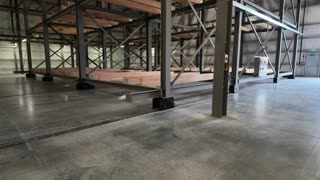
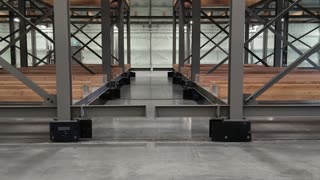
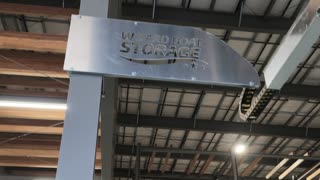
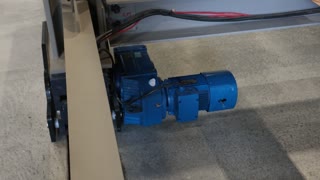
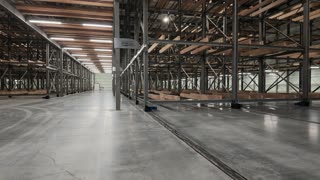
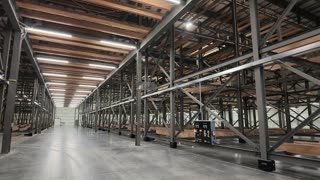
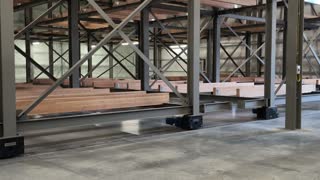
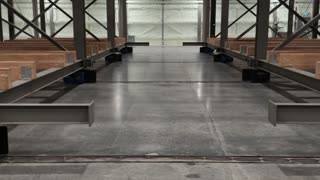
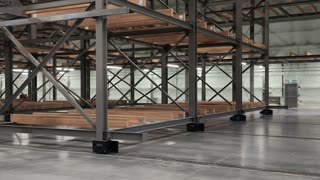
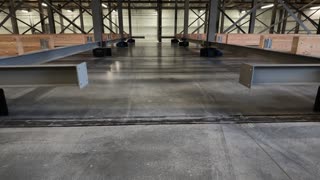
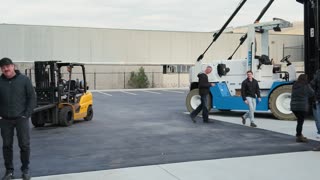
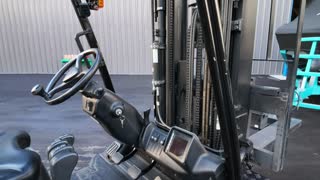
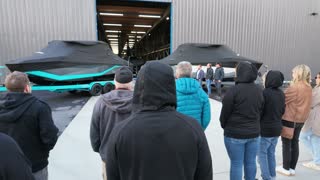
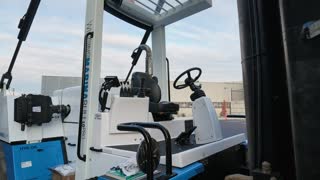
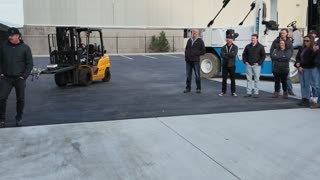
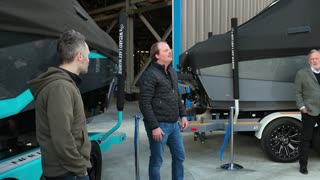
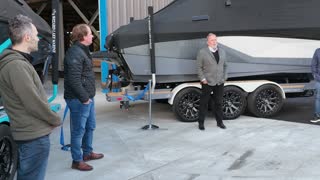
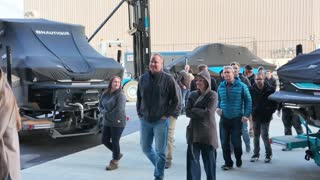
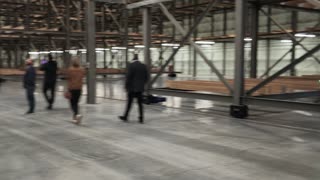
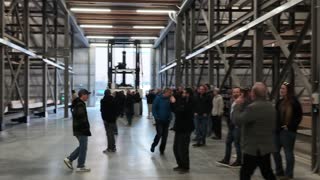
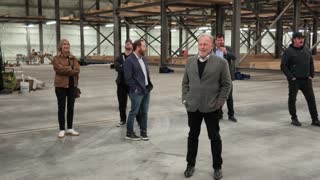
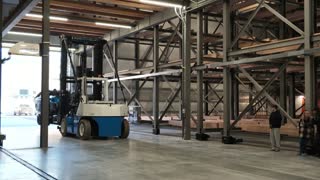
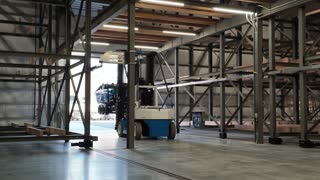
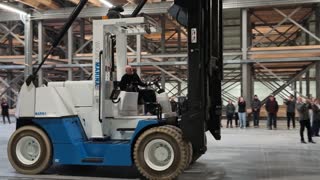
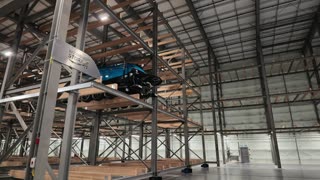
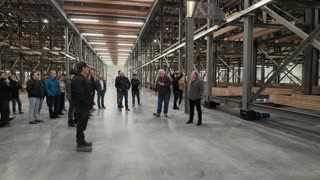
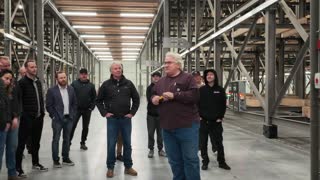
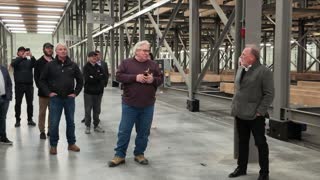
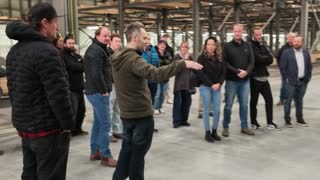
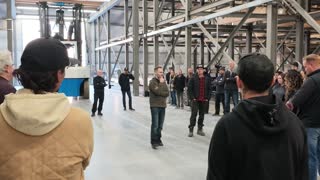

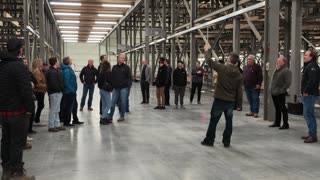
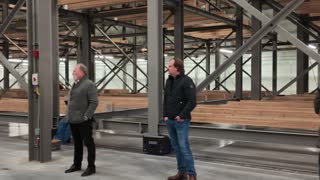
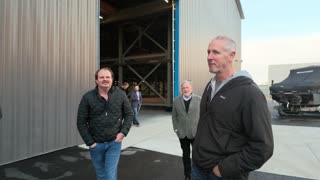
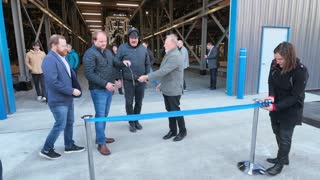
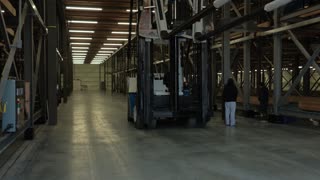
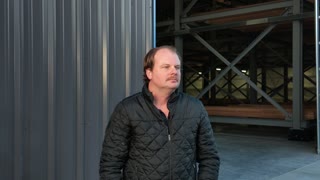
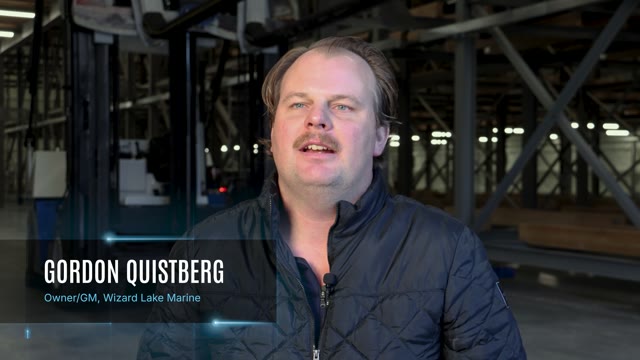
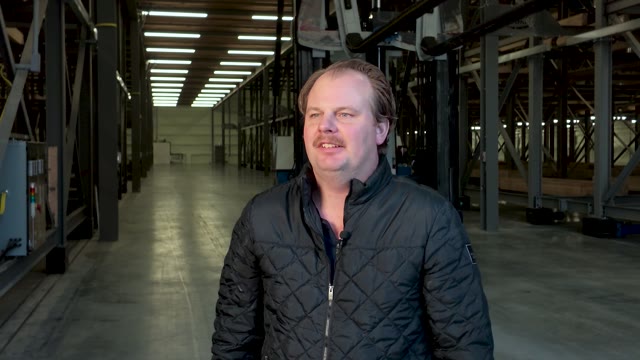
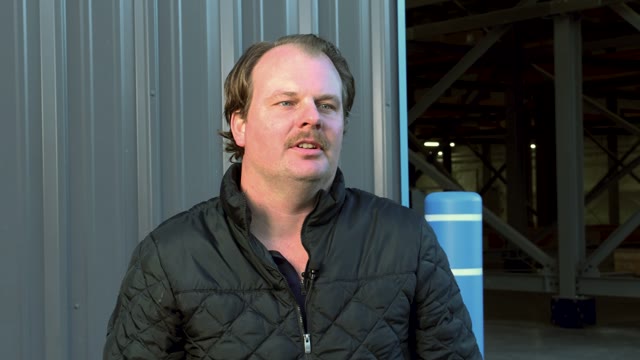
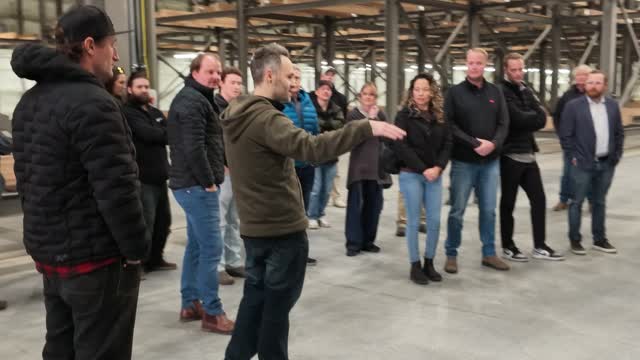
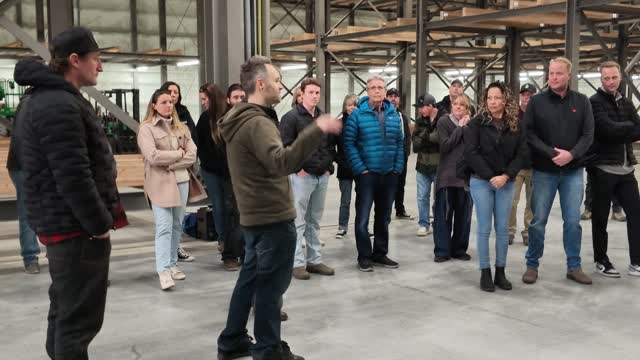
No shots match that search. Try Brian, Gordon, logos or exterior.
Real RackTide footage · Illustrated catalogue with sample search tags
Catalogue the footage. Describe subjects, actions and settings so a folder of camera files becomes an understandable library.
Search by meaning. Find people by name, a forklift in action or an open aisle using the words a producer or editor would naturally use.
Choose in context. Use the script and conversation to guide b-roll selection, then review the candidates for story, continuity and relevance.
ColbCut · Premiere extensions
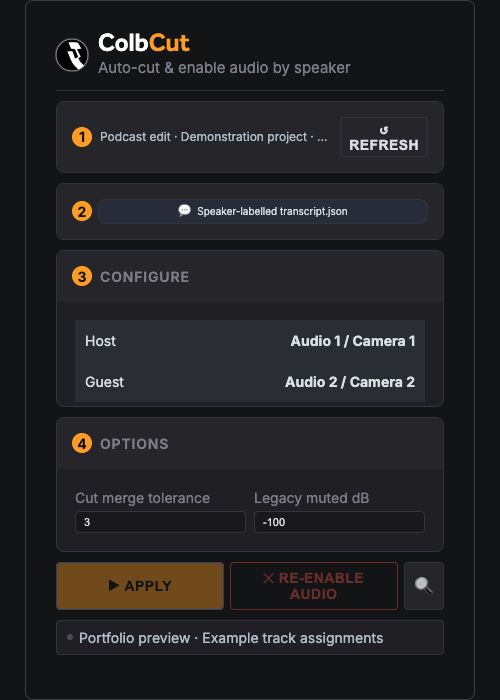
ColbCut helps pick takes and build a rough cut, then takes care of repetitive audio polish. My Premiere tools use speaker-labelled transcripts to prepare cuts, switch video segments and lower inactive microphones with automatic audio keyframes.
ColbCutSpeaker-aware editingWorkflow demonstrationPicture follows the speaker. Close-ups sit above a continuous wide two-shot on V1. Use the speaker’s close-up or fall back to the wider view of both people.
Sound follows the picture. The inactive speaker’s microphone drops down, with level changes and transitions prepared for review.
The editor stays in charge. Choose a close-up or stay wide, preserve reactions and refine the mix. Automation handles the repetition; editorial judgement shapes the result.
Animated explanation of a working tool—not a screen recording of Premiere. The 0 / −30 dB levels illustrate the behaviour; settings depend on the recording.
The connected production workflow
These tools also automate audio levels, prepare After Effects sequences and suggest relevant b-roll. Every result stays open to an editor’s review.
Shared tools · Real projects
More time to shape the story.
Less repetitive setup.
I’ve published Premiere extensions that can be shared with my team, and built browser-based applications that connect real projects with shared assets on secure remote servers.
Small studios gain time for creative work. Larger teams can share assets, hand off projects and reuse production methods.
AI is becoming integral to my process. The creative decisions stay with us; the tools remove repetitive work so we can spend more time refining the story.
Let’s talk creative productionExplore the work behind the workflow.